
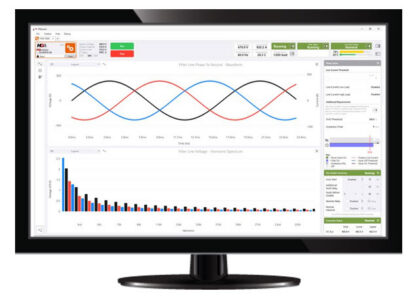
Welcome to the PQconnect Software application, PQvision Universal.
This software is a proprietary product built by TCI. This is a free desktop application that can be used in conjunction with our PQconnect product.
*Please note: PQvision Universal is only available for Windows devices.
To Install:
Download and run the Microsoft .NET framework installer. Skip this step if .NET 4.6.1 or higher is already installed.
The latest version of PQvision Universal can be downloaded from the button on the right side of this page and is only available on Windows.
The downloaded windows package consists of a setup program that needs to be launched. If asked to grant administrative rights to that application, please accept. To uninstall, simply use window’s “Add/Remove programs” wizard.
RS 485 Converter:
The PQconnect requires a USB to serial converter to connect to PQvision from your laptop.
Contact your TCI Sales Representative for assistance in purchasing an RS 485 Converter.